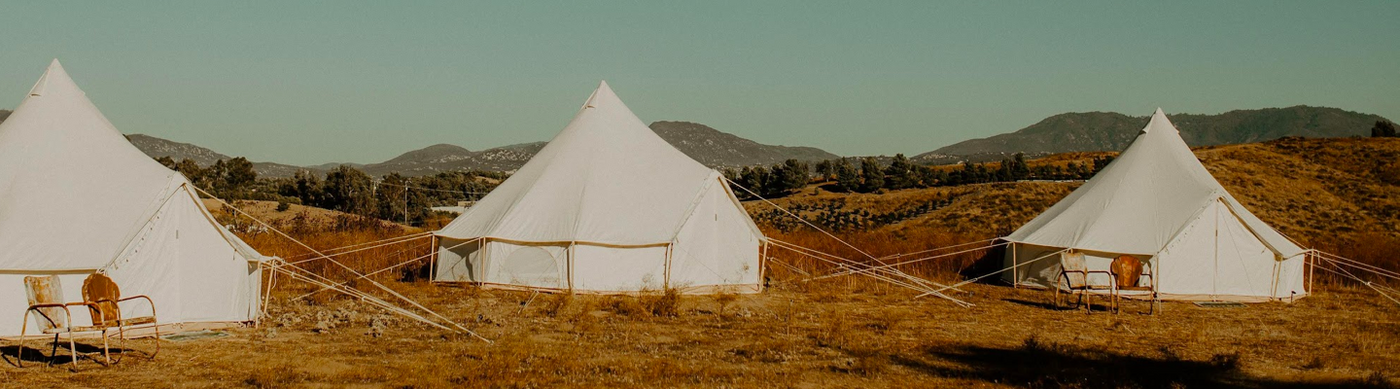
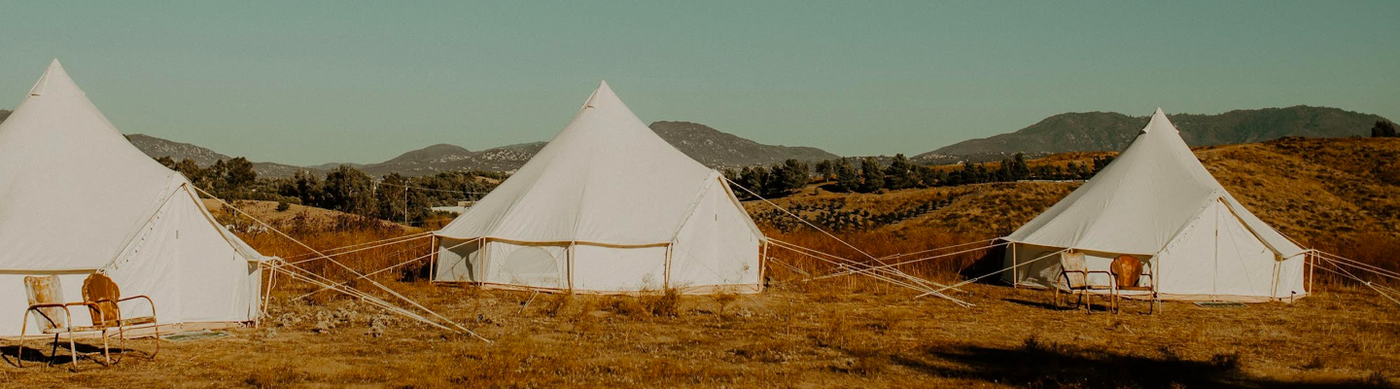


View AR Augmented Reality
YOUR BACKYARD IS OUR SHOWROOM.
Deciding on the right size and style of camping tent just become easier!
Simply use our augmented reality media with your phone to virtually place our tents in your yard or a gymnasium.
For the best AR experience: Use Safari on iPhoneor Chrome on Android. AR may not launch inside the Google, Instagram, or Facebook apps.
HOW IT WORKS:
1. Open this page in Safari on iPhoneor Chromeon Android.
2. Click on the your tent of choice below.
3. Click on the AR box
4. Move your phone and then click the image to place the tent.
5. Use 2 fingers to rotate or move the tent on your phone. (confirm that the image is sized to 100% by looking at the top of the tent)
6. Feel free to walk around the tent to check out all the details.
Not seeing the camera view? Try opening this page directly in Safari or Chrome rather than inside another app.
Virtual Tent Models:

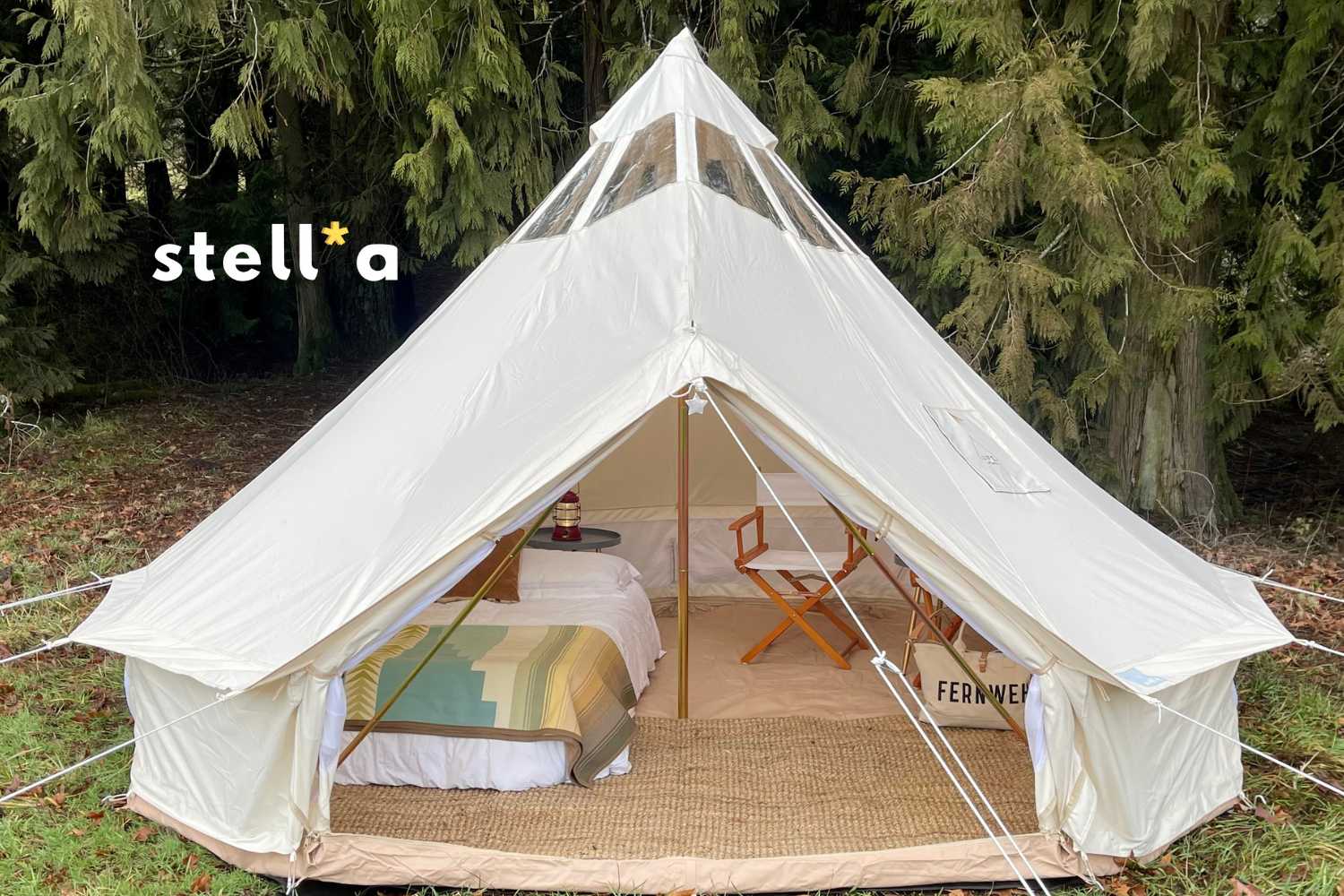
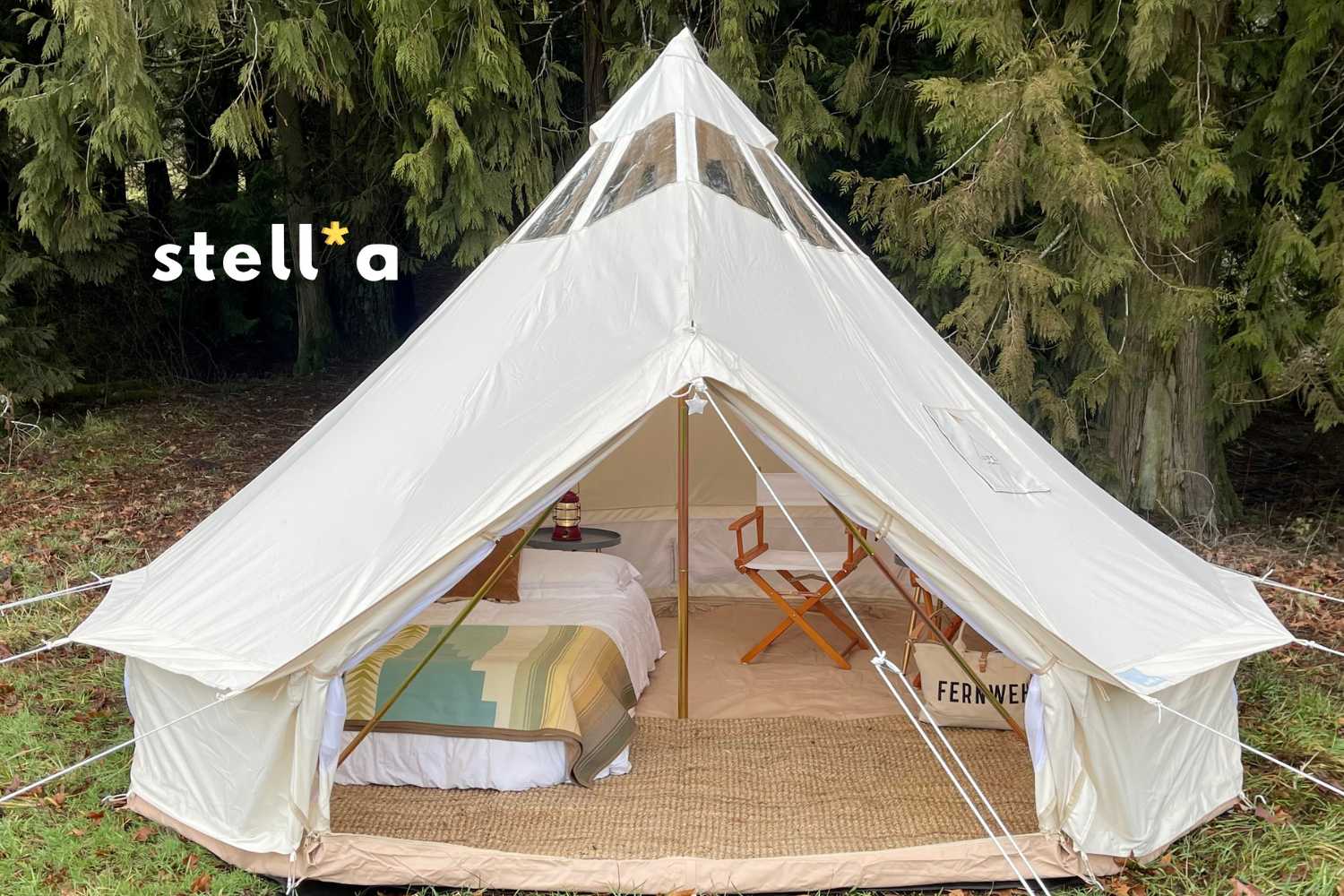
13' (4M) Stella™ Stargazing Canvas Tent
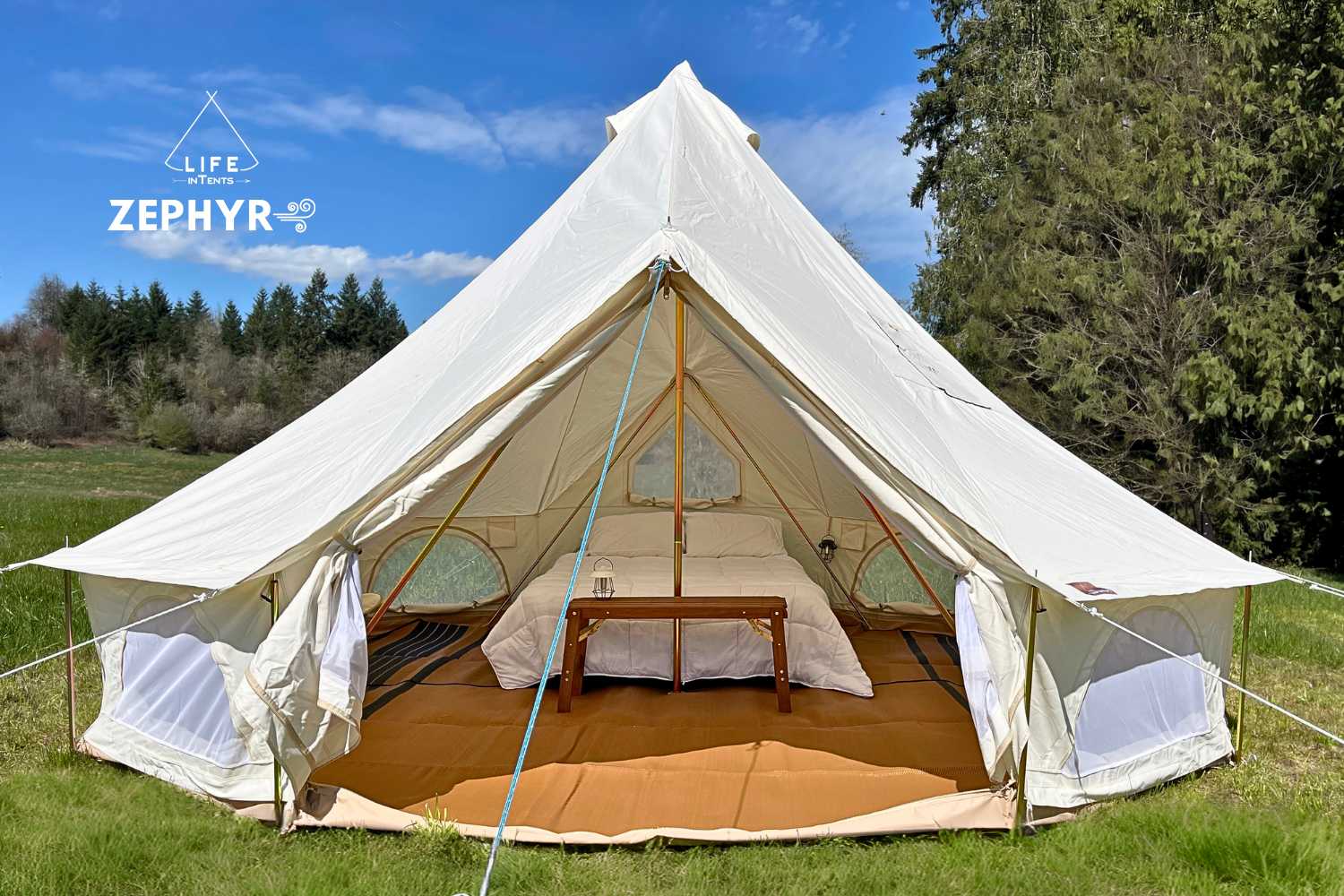
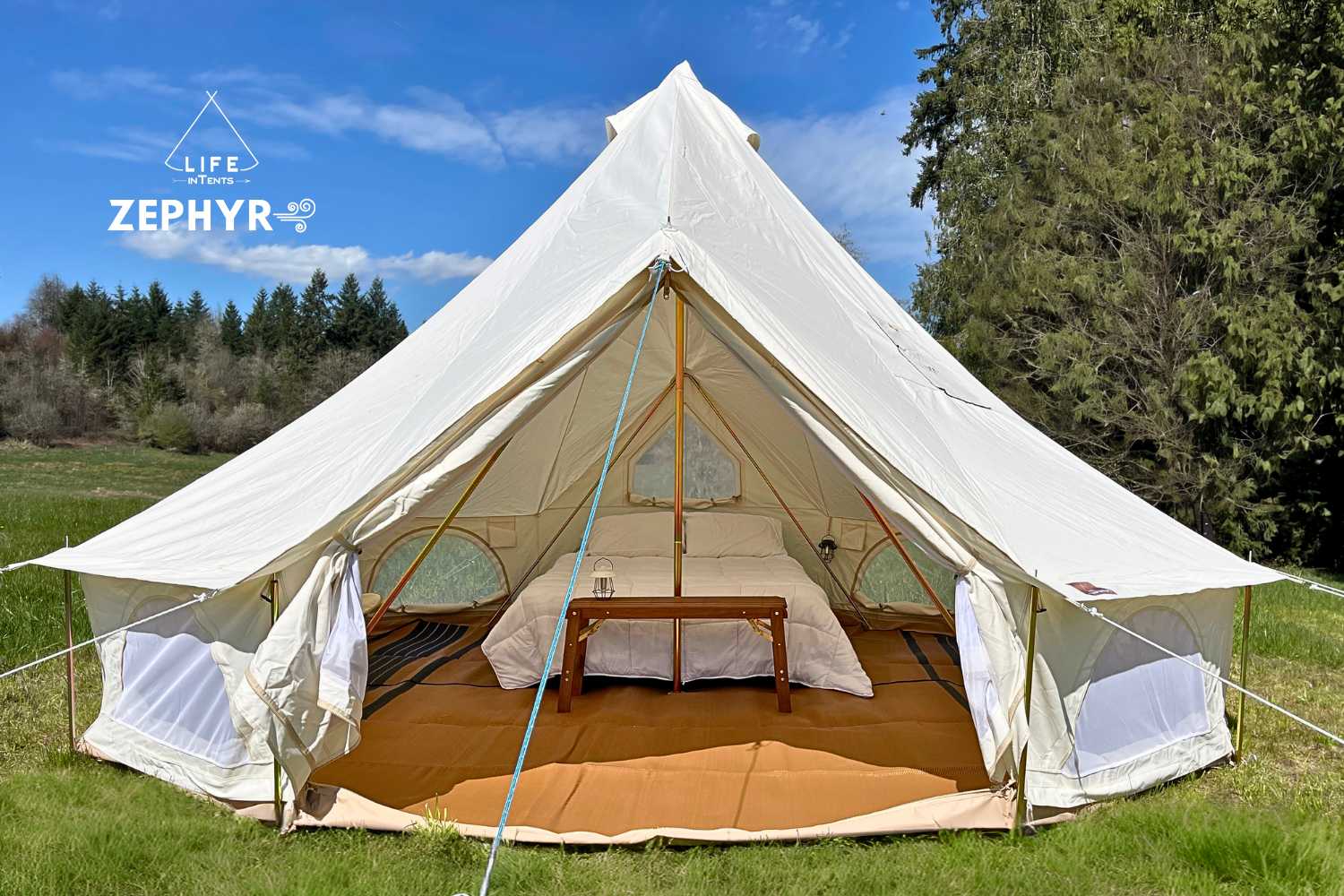
16' (5M) Zephyr Tent Cabin


16' (5M) Fernweh™ bell tent


16' (5M) Stella Stargazer Tent
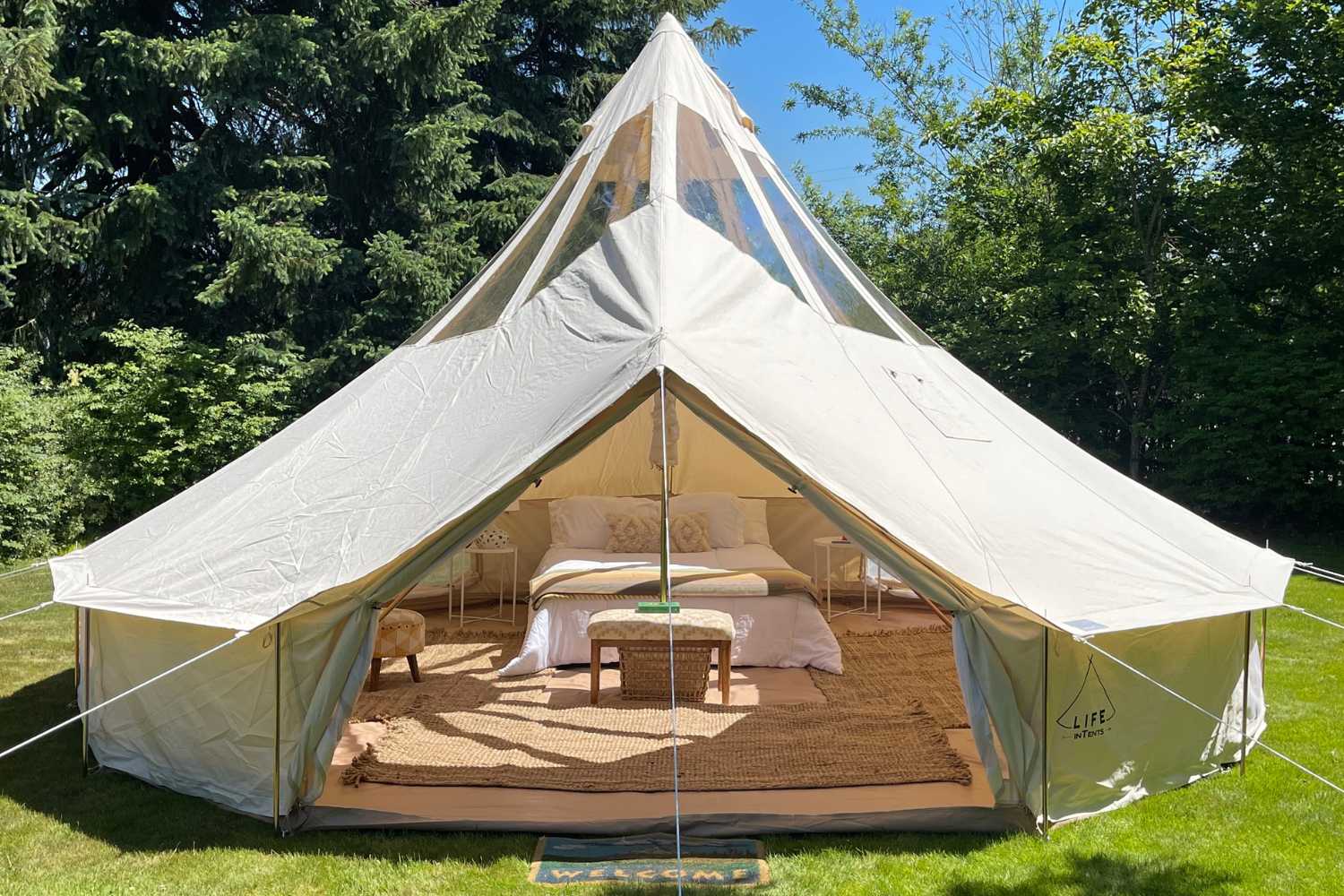

19' (6M) Stella™ Stargazing Tent
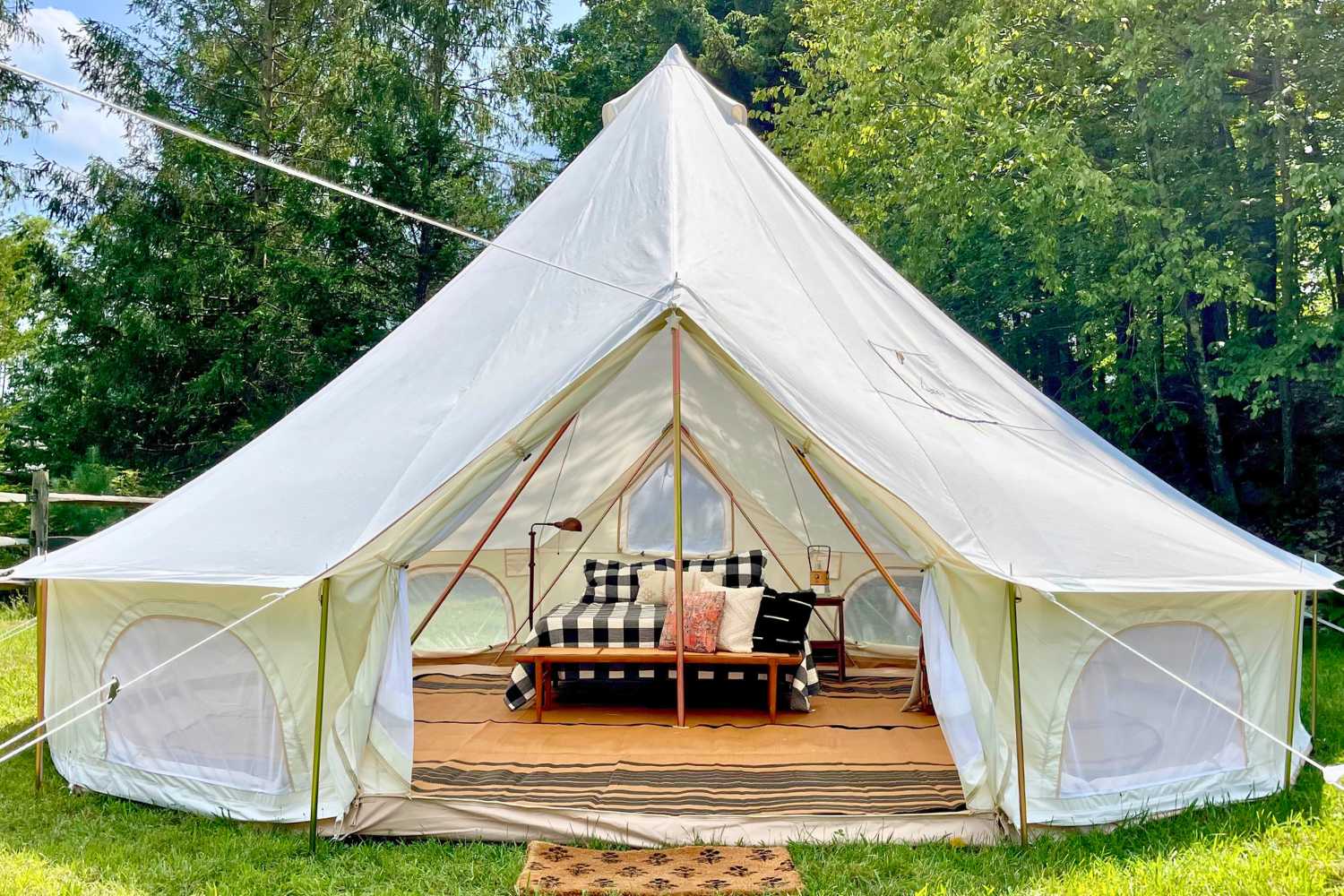

19' (6M) Zephyr™ Tent Cabin | Canvas Bell Tent
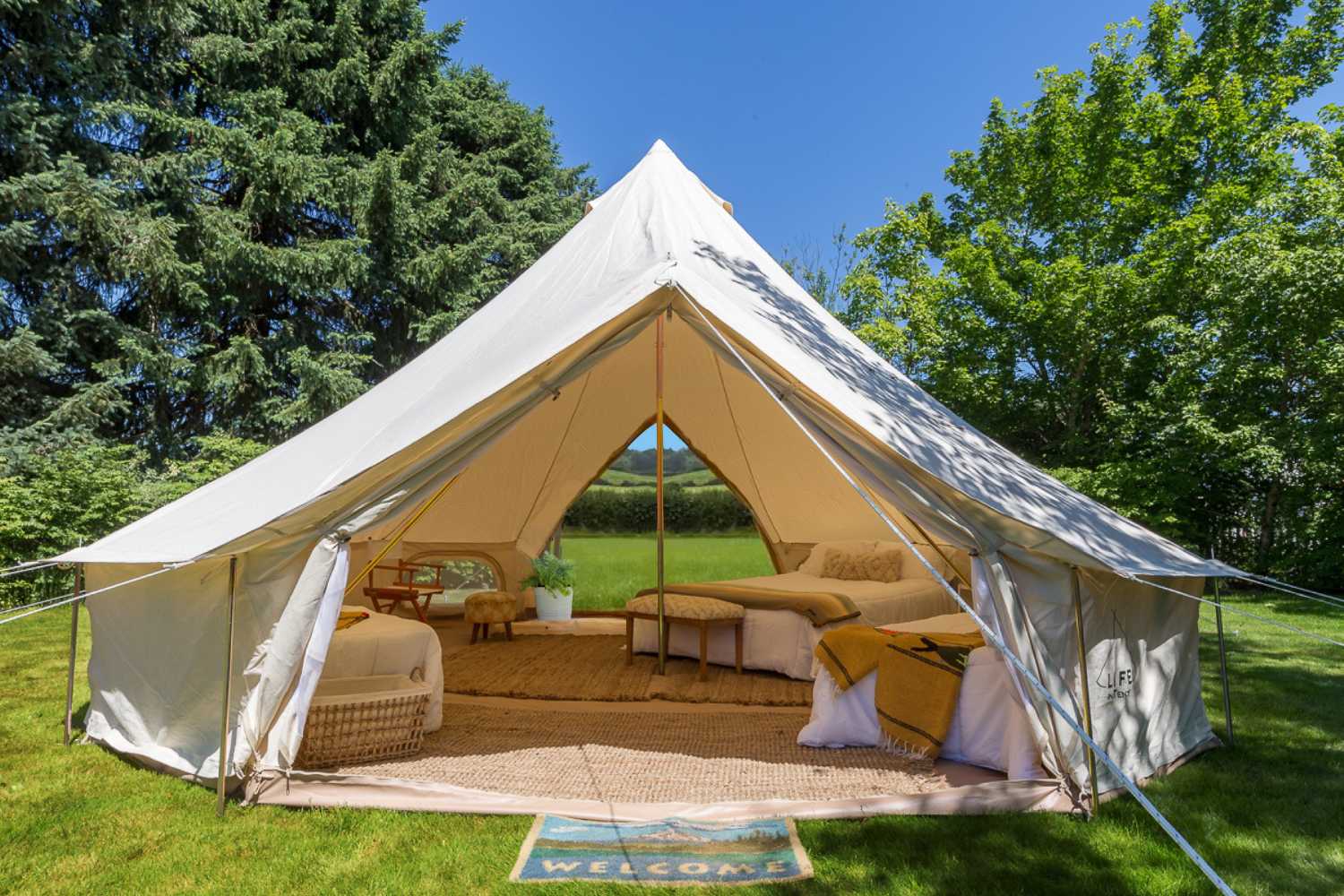

19' (6M) Double Door Fernweh Tent


Canvas A-Frame Tent - The Scout About


Umbrah Sun/Rain Shade
×
×
View in AR
Scan the QR code with your mobile device to open this page.
Still Need Help?